With the creative job market more competitive than ever, a compelling online presence is no longer a nice-to-have — it can be the difference between landing the job and not. The answer? The right portfolio website can set you apart from the competition and open new doors.
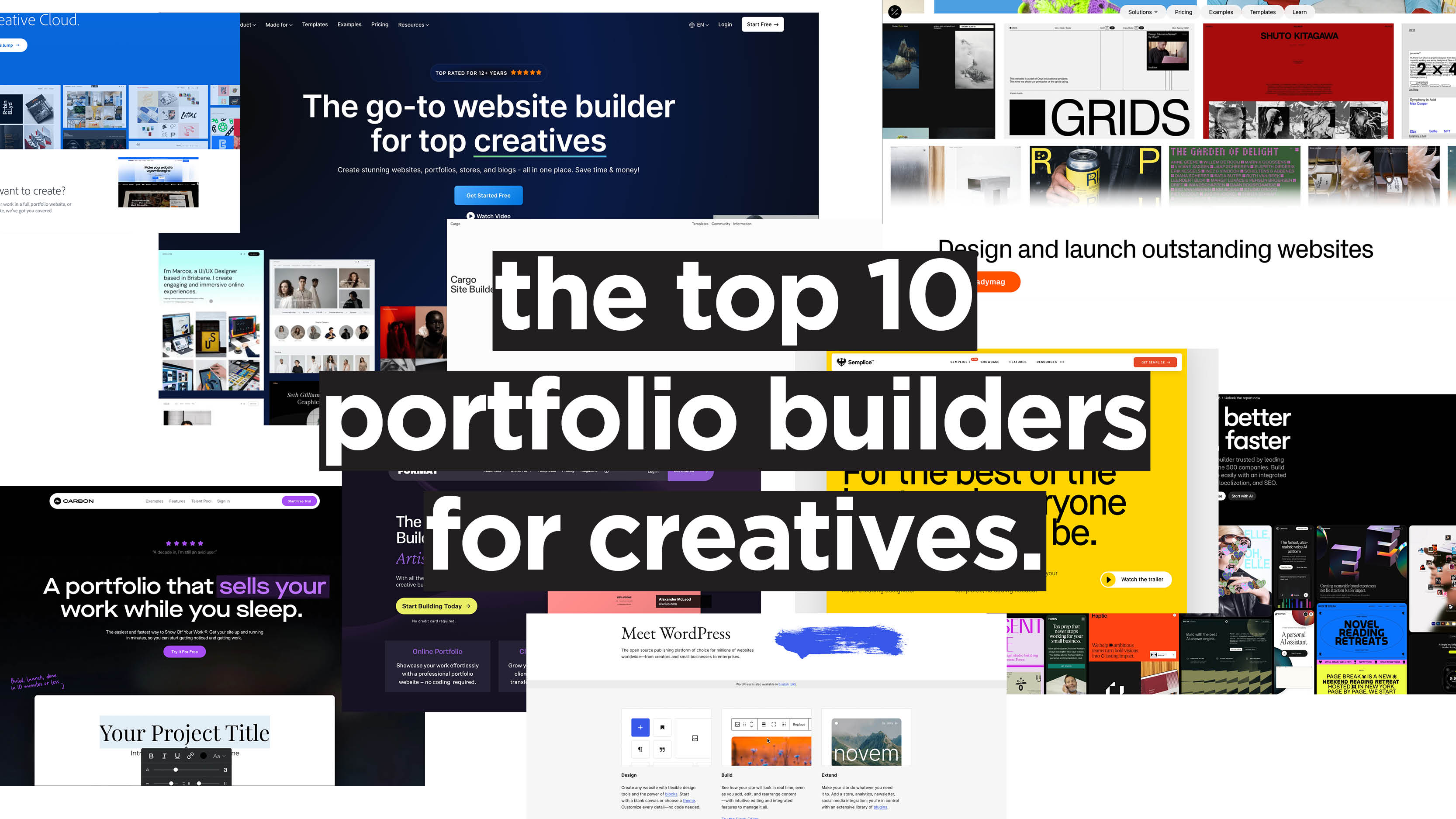
If you’re considering migrating your existing portfolio or building your very first one, here are the 10 platforms we recommend.
The 10 Best Portfolio Builder Websites for Creatives
1. Adobe Portfolio

Core Features
Adobe Portfolio marries convenience with stunning results. Here are its main features:
- Seamless integration with many existing Adobe products, like Lightroom and Behance.
- Allows unlimited pages and projects.
- Supports custom domains.
- Features responsive, mobile-optimised themes.
- Option for password-protected pages.
Best For
Who is Adobe Portfolio for? Mainly existing Creative Cloud users, especially photographers or designers, who will benefit from Behance syncing.
Unique Advantages
Adobe’s very own portfolio builder has two strong value propositions: it’s the only platform on this list that auto-publishes directly from Behance, and it’s free with the Creative Cloud subscription. A huge selling point for existing Adobe customers!
Pricing
While not available for standalone purchase, Adobe Portfolio is included with any Creative Cloud plan.
Pros
- Completely free with any existing Creative Cloud membership.
- Fastest setup for Behance users.
- Clean, minimal templates that don’t “compete” with your work — they let it do all the talking.
Cons
- Templates are very rigid and allow for limited customisation.
- On top of that, themes are simple and often look similar, making it harder to stand out.
- No built-in e-commerce or client-proofing.
- Requires a Creative Cloud subscription.
- No interactive elements such as animations or scroll effects.
2. Webflow

Core Features
We’ve talked a lot about Webflow in the past as one of our favourite web builders. Here are its key features:
- It’s a visual CSS editor, meaning that no coding is required to design, but the full code is accessible if needed.
- Boasts a powerful CMS with dynamic content collections.
- Offers strong SEO controls.
- Features native interactions and scroll animations.
- Provides e-commerce features with a separate plan starting at $29/mo.
- Allows for code export, so you’re not “locked” into Webflow hosting.
Best For
Webflow is truly a designer’s playground. Agencies, medium-sized businesses, and individual creatives will find exactly what they’re looking for.
Unique Advantages
Webflow is simply the most powerful no-code visual builder on this list. It enables you to produce genuinely custom sites that are indistinguishable from hand-coded builds and export clean HTML/CSS. The CMS is the strongest on the list for content-heavy portfolios.
Pricing
Webflow’s pricing starts at $14/mo for the Basic plan. The CMS mid-tier will set you back $23/mo, while the Business plan is $39/mo. It’s worth noting, though, that add-ons can quickly inflate the price.
Pros
- Boasts unrivalled design freedom among no-code tools.
- Thanks to its excellent CMS and strong SEO performance, it’s the best choice for case study-heavy portfolios with blogs.
- Offers a huge template marketplace.
- Has the ability to scale from a simple portfolio to a full business or e-commerce site.
Cons
- The learning curve is quite steep: it’s more of a tool than a standard builder.
- Pricing can be tricky and can skyrocket quickly. Site Plans and Workspace Plans are billed separately, making budgeting complex.
- Doesn’t offer native client-proofing or print sales.
- Performance can suffer with heavy animation usage.
3. Framer

Core Features
Quite similar to Webflow, Framer is another powerful no-code builder. It offers:
- Canvas-based editing (similar to Figma).
- AI-powered copywriting and layout tools.
- Scroll and hover animations as native features.
- CMS with up to 1,000 items per collection.
- Responsive breakpoints with mobile preview.
Best For
Any UX designer familiar with Figma will feel right at home with Framer.
Unique Advantages
Framer boasts the most affordable paid tier, with the Basic plan being only $10/mo. Building an animated portfolio is easy with native motion design, no third-party tools required.
Pricing
Much more affordable than its competitor, Webflow, with plans for personal and professional sites going for £8/mo and £23/mo respectively.
Pros
- It’s the fastest way to build a polished portfolio from scratch.
- Best-in-class animations and interactions, no code needed.
- Figma-native workflow.
- Generous free plan, with the student plan including a free custom domain.
Cons
- No page-level password locking.
- CMS doesn’t support larger content libraries.
- Less granular SEO control than Webflow.
4. Semplice
Core Features
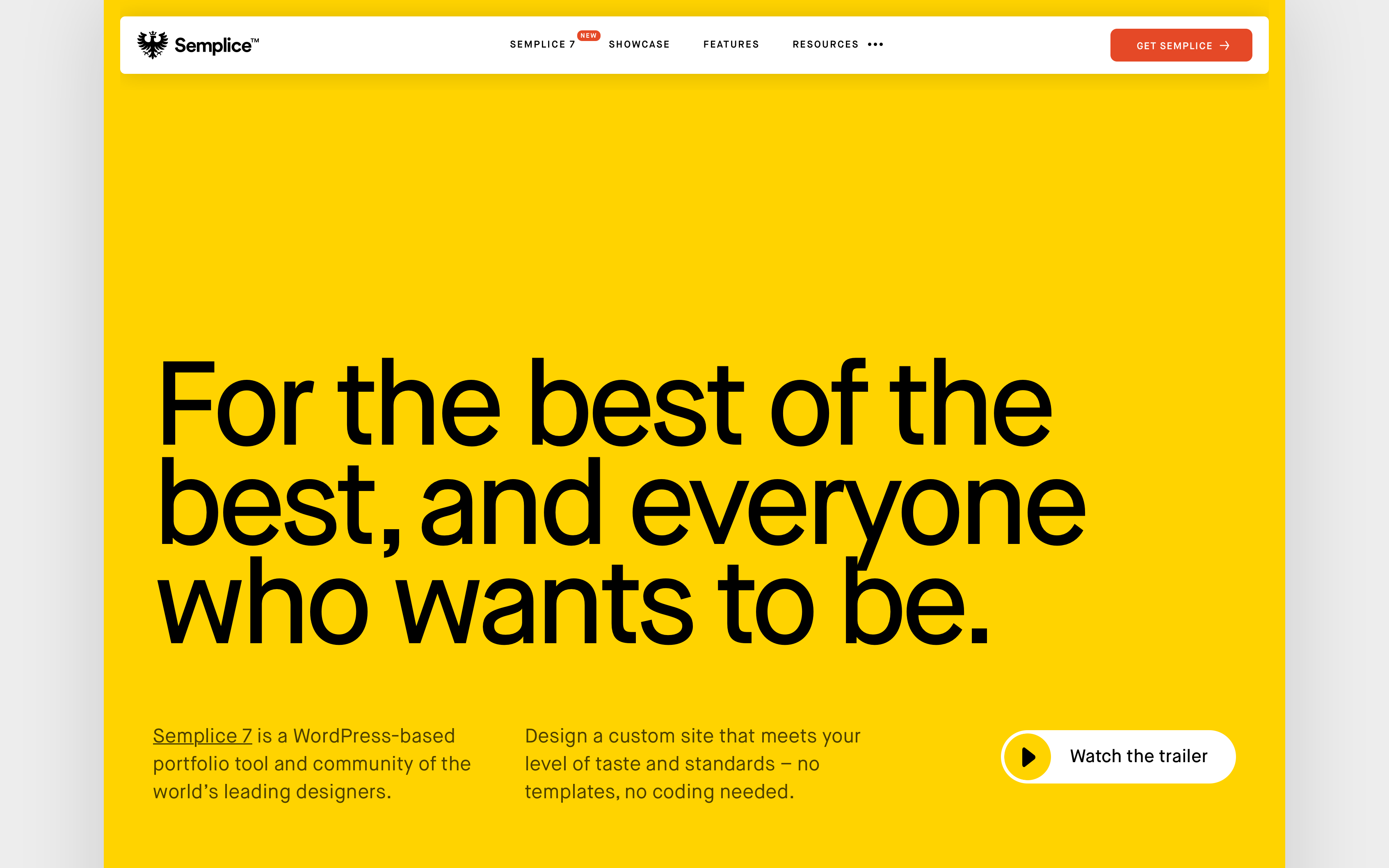
Semplice is a WordPress-based portfolio tool and community of the world’s leading designers. It features:
- WordPress integration means you own all your files and data.
- Complete uniqueness and customisation thanks to a grid-based drag-and-drop system and no templates.
- Code-less hover effects and scroll animations.
- Fully customisable navigation design per page.
- Dribbble integration for automatic gallery updates.
- Advanced portfolio grids with built-in transitions.
Best For
With clients of the calibre of A24 and Nike, Semplice is perfect for senior designers and studios alike.
Unique Advantages
Semplice’s main USP? Its one-time-payment system. On top of that, running your portfolio on WordPress makes it portable and future-proof. Lastly, the lack of templates guarantees that no one’s site will look like yours.
Pricing
Its one-time licence ranges from ~$119 (Single plan) to $699 (Business plan for large enterprises). Hosting is billed monthly and ranges from $5 to $30.
Pros
- Genuinely template-free for maximum freedom.
- Pay once, own forever.
- WordPress-based: portable, extensible, future-proof.
- High-end creative community darling — if it’s good enough for GQ, it’s probably good enough for you!
- Full code access is available if needed.
Cons
- Requires WordPress setup and separate hosting.
- No free trials or refunds.
- Steeper initial setup than hosted tools.
- No built-in e-commerce, blogging, or client galleries.
- Less actively maintained than hosted alternatives.
5. Cargo
Core Features
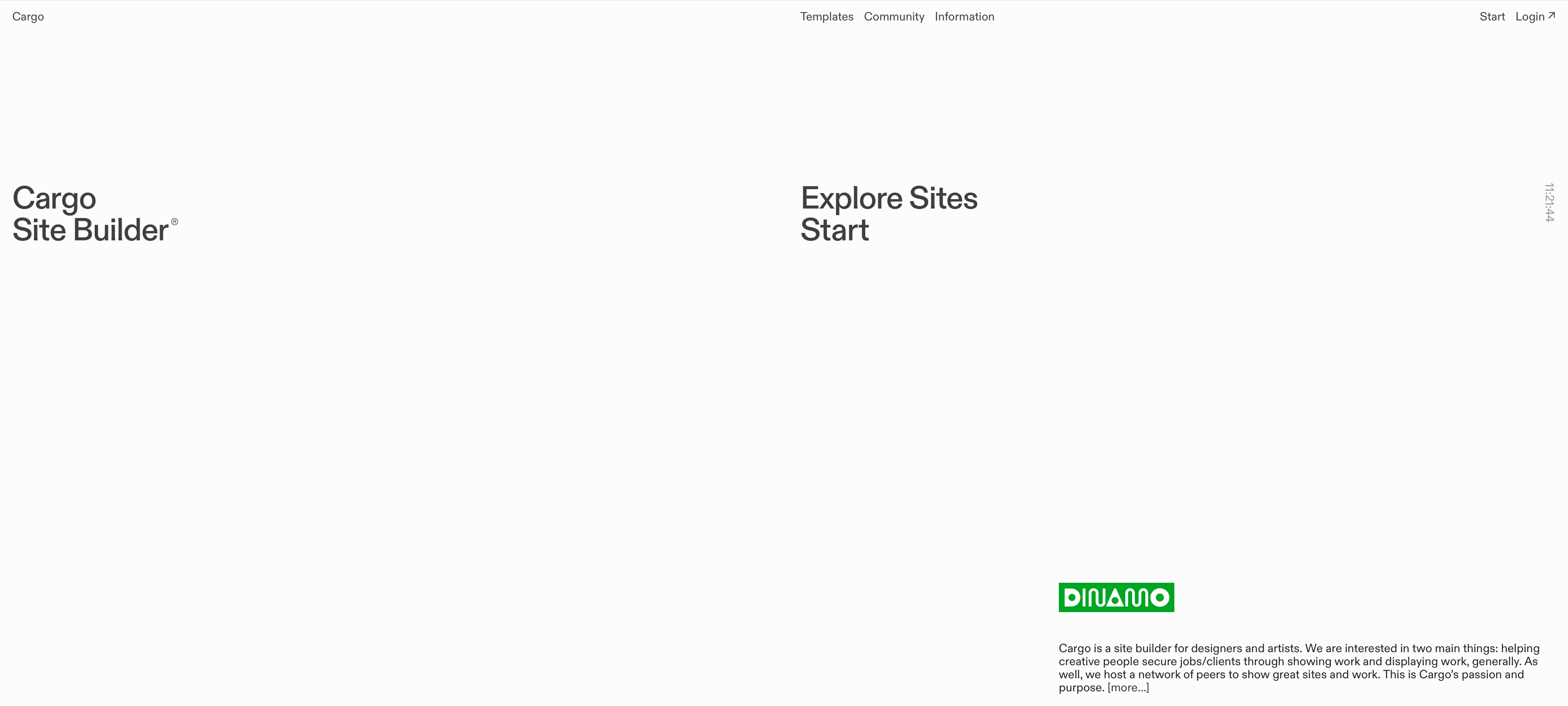
A portfolio made with Cargo is immediately recognisable. Here are the platform’s core features:
- Highly art-directed, editorial templates.
- Extensive typographic controls and layout flexibility.
- Password protection for pages.
- Paid plans feature custom domains.
- Supports both image and video.
- An active community of high-profile designers.
Best For
Polished yet edgy, Cargo is great for graphic designers, illustrators, typographers, and photographers with an editorial, avant-garde, or gallery aesthetic.
Unique Advantages
Cargo is known for its distinct visual culture. Nowhere else will you find portfolios with the same gallery-quality look. Over time, it’s created a tight-knit community of like-minded creatives, making networking with potential collaborators a breeze.
Pricing
Cargo is free for students; for everyone else, it's $14/mo billed annually or $19/mo billed monthly. These prices include 1 free custom domain connection, multiple sites, and multi-user editing.
Pros
- Beautiful, distinctive templates unlike any other tool on this list.
- Strong typographic and layout freedom for editorial aesthetics.
- Affordable entry point (the Pro plan is less than a tenner!).
- Well-respected and recognised in the creative community.
Cons
- More limited feature set than Webflow or Framer.
- No native e-commerce features.
- “Opinionated” design identity, which might not be suitable for corporate or conservative aesthetics.
6. Readymag
Core Features
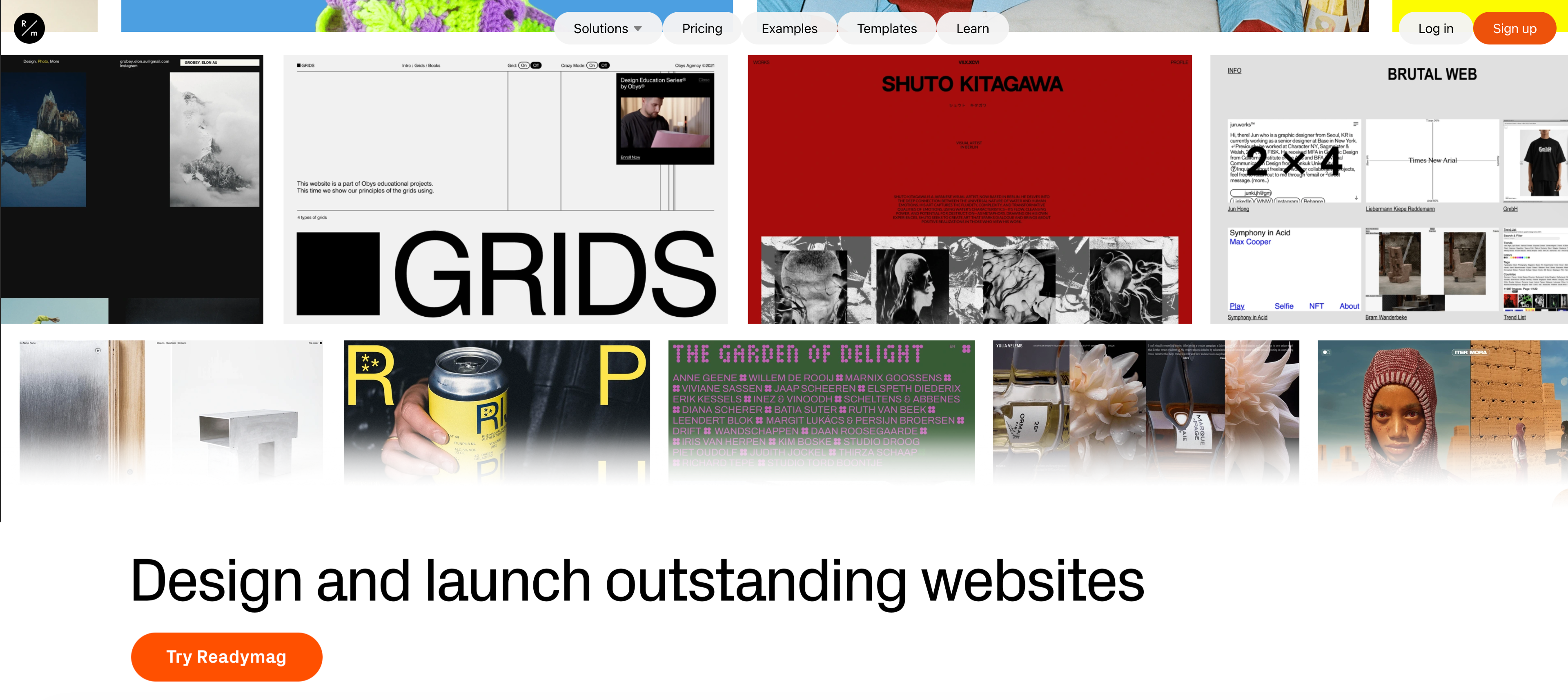
What if InDesign was… a website builder? Meet Readymag. It features:
- Freehand browser-based design without grid constraints.
- Advanced scroll and entrance animations.
- Built-in assets: 500,000 Unsplash photos, 2 million icons, and 3,000+ fonts.
- AI-powered image and video effects generator.
- E-commerce capabilities via Stripe, Shopify, Gumroad, and Ecwid integrations.
Best For
Readymag is another platform with a VIP customer base, from Amazon to Condé Nast. It’s perfect for those looking for magazine-like storytelling and immersive presentations.
Unique Advantages
It’s the most “editorial” builder on this list. Its scroll-based storytelling, animation tools, and built-in asset library are unmatched.
Pricing
The free plan is quite limited, allowing for only one project of up to 10 pages. The three paid plans range from $14/mo (Personal plan), to $29 (Freelance plan), and $58.50/mo (Advanced plan). Discounts are available for students and teachers.
Pros
- Exceptional editorial layouts and scroll-triggered animations.
- Massive built-in asset library.
- Freehand design canvas without grid lock.
Cons
- Another steep learning curve; not beginner-friendly.
- Templates aren’t responsive by default, meaning that mobile view needs to be adjusted manually.
- The highest tier (Advanced) is more expensive than similar builders’.
- Not suited for photography workflows or client delivery.
- E-commerce requires third-party integrations (and extra costs).
7. WordPress
Core Features
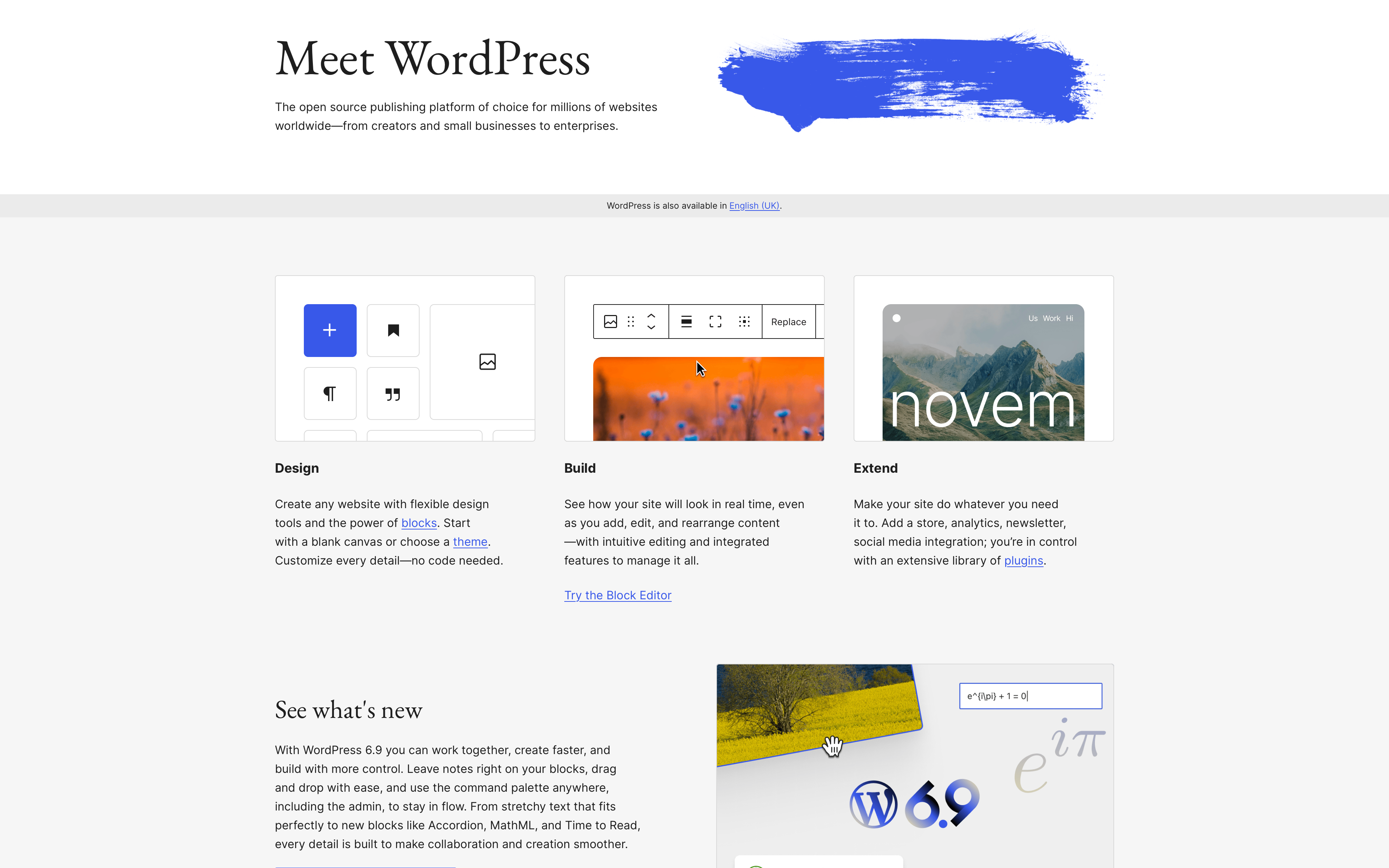
The quintessential web builder — 43% of the internet runs on WordPress! Its core features include:
- Unlimited customisation with themes and plugins.
- Full CMS capabilities with any custom content type.
- Full-scale e-commerce (including print on demand) thanks to WooCommerce.
- Visual page builders like Elementor, Beaver Builder, WPBakery, etc.
- WPML for multi-lingual and multi-region portfolios.
- Self-hosted with no vendor lock-in: you own all data and files.
Best For
WordPress grants you maximum long-term flexibility, full CMS power, and complete ownership, but requires technical know-how or a developer on hand.
Unique Advantages
WordPress is truly future-proof, fully portable, and able to scale to unlimited potential. On top of that, thanks to its unmatched plugin system, any feature you need most likely already exists.
Pricing
WordPress is another option with complicated pricing. WordPress.org is free, but hosting is $2.99–30/mo for single sites with platforms like SiteGround or Kinsta. Page builders, on the other hand, can vary: Elementor's subscription ranges from $4-16/mo, while Beaver Builder ranges from $89 (Starter plan) to $546 (Unlimited plan) per year.
Pros
- Complete ownership of your site without vendor dependency.
- Can scale from a simple portfolio to a full agency or enterprise site.
- Best-in-class CMS flexibility and plugin ecosystem.
- If hosted efficiently, it’s the most affordable option for the long term.
- SEO powerhouse with plugins like Rank Math and Yoast.
Cons
- Requires either technical knowledge, time investment, or developer budget.
- Will call for ongoing maintenance.
- Good performance requires optimisation.
- Page builders like Elementor can produce bloated, slow code.
8. Pixpa
Core Features
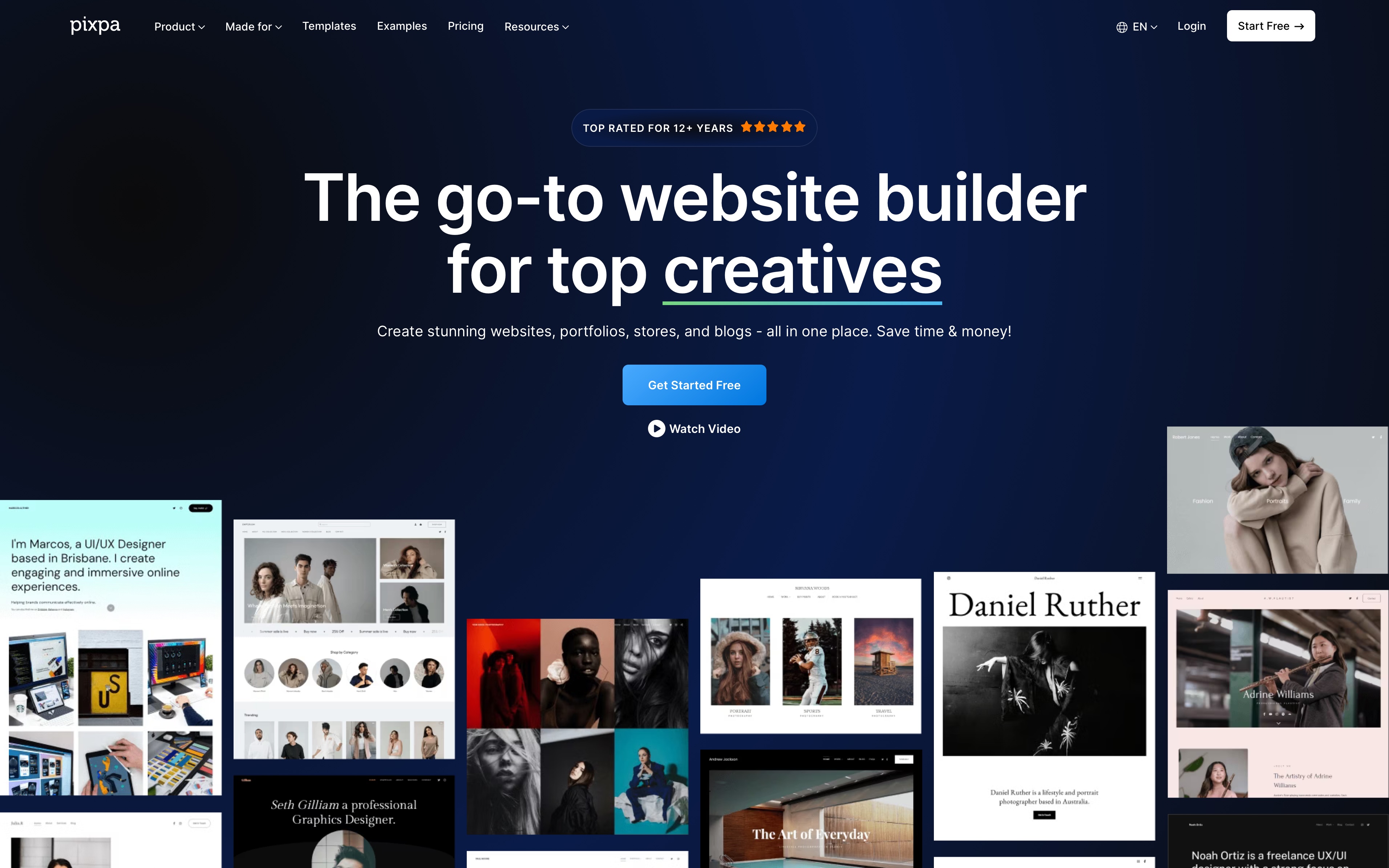
Pixpa is an extremely versatile no-code builder with a visual style editor that can support a wide array of features. Here are the most important:
- Offers client-proofing and delivery galleries.
- Boasts a built-in e-commerce with zero transaction fees across all plans.
- Powered by built-in SEO for blogging and marketing tools.
- CSS and HTML overrides are available for Advanced users.
Best For
Pixpa markets itself to everyone: models, writers, photographers, performers, designers… We recommend it to those who need portfolios, client proofing galleries, and e-commerce in an affordable, all-in-one platform.
Unique Advantages
Pixpa’s strongest suit is its versatility. It’s the only platform on this list that combines a portfolio website, client proofing galleries, and zero-commission e-commerce for under £20/mo.
Pricing
While it doesn’t offer a free plan (only a 15-day free trial), Pixpa is very budget-friendly. Its Basic plan is £6.74/mo, while the more advanced plans are £11.23/mo (Creator), £15.49/mo (Professional), and £18.72/mo (Advanced), all billed monthly. The platform is also currently offering 40% off all yearly plans and 55% off bi-yearly plans.
Pros
- Exceptional value for money.
- Client-proofing galleries included (rare at this price point).
- Zero e-commerce commissions on all plans.
- Dedicated customer support via chat and email.
Cons
- Limited design flexibility when compared to Webflow and Framer.
- Section-based editor (not truly free-form drag-and-drop).
- Conservative, “safe” templates.
9. Carbonmade

Core Features
Carbonmade allows you to show off your work quickly and easily. Here are its core features.
- Its modular “block” system lets you freely mix and match gallery, text, magazine, and slider layouts.
- No file size caps: upload unlimited images and videos, including 4K.
- Custom grid layouts with drag-and-drop simplicity.
- Automatic mobile optimisation.
- Free Carbonmade subdomain included; custom domain connectable.
Best For
Its ultra-speed and unlimited file uploads make Carbonmade perfect for illustrators, graphic designers, 3D artists, game artists, animators, and motion designers who want a fast, beautiful portfolio with no media upload limits.
Unique Advantages
Carbonmade has two main USPs: unlimited media uploads and setup time. The former is critical for 3D renders, 4K video, and high-resolution portfolios. It also offers an unlimited free trial: play around on the platform as long as you like, and only purchase when you’re ready to commit.
Pricing
Its unlimited free trial allows you to experiment at your pace, but you need to commit to a plan for the site to go live. Plans start at $9.99/mo for Beginner and go up to $24.99/mo for Unlimited. You can save 20% by paying yearly.
Pros
- (Surprisingly) accurate “under 20 minutes” claim: it’s really that fast to launch!
- No upload size limits.
- Clean, modern block-based templates.
- Unlimited free trial.
- Fun and intuitive building experience.
Cons
- Fewer templates than other competitors.
- Portfolio only: no blog, no CMS, no e-commerce, no client proofing.
- Less design control compared to Webflow or Framer.
10. Format
Core Features
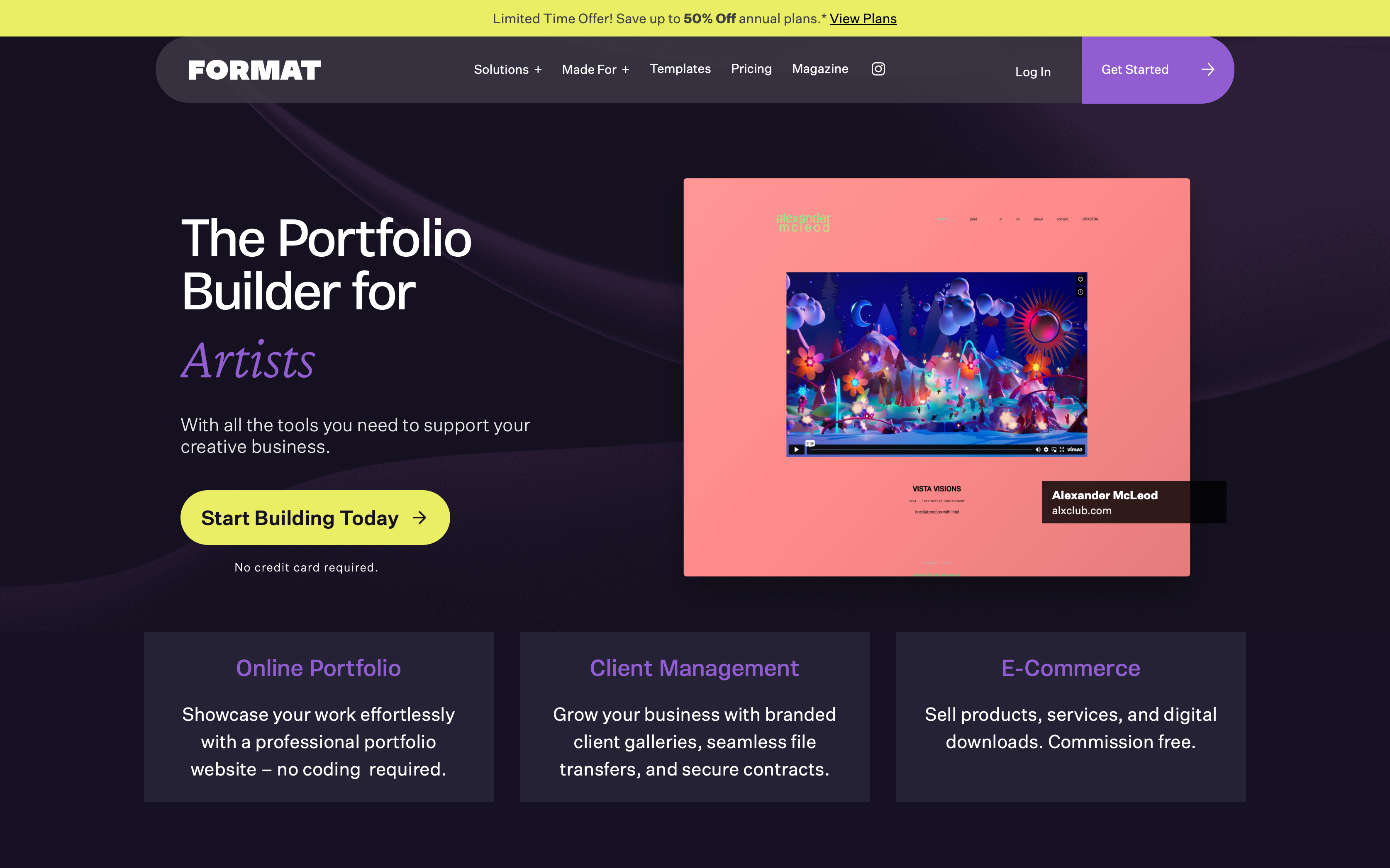
Tailored for visual portfolios, Format has a few key features:
- Best-in-class photography-first responsive templates.
- Client-proofing and file delivery workflows.
- Built-in e-commerce for prints, digital downloads, and services.
- 24/7 live customer support and 1-on-1 consultation sessions.
- Hosted video support up to 120 minutes.
- CSS and HTML editing on Pro Plus plans.
Best For
As an image-centric platform, Format is best for photographers, filmmakers, and fashion creatives.
Unique Advantages
Format thrives in its niche: the templates available are the cleanest and most photography-focused. Its strongest selling point is the always-on customer service, including the optional 1-on-1 building, optimisation, and redesign sessions with Format Experts.
Pricing
In addition to a 14-day free trial, Format offers three plans: Basic at $14/mo, Pro at $24/mo, and Pro Plus at $36/mo. Discounts are available when paying annually.
Pros
- Beautiful, photography-first templates.
- 24/7 customer support, plus paid 1-on-1 consultations with Format Experts.
- Good client delivery and proofing workflows.
- Hosted video up to 120 minutes.
Cons
- More expensive than Pixpa for similar features.
- Blogging is very basic.
- Image and page caps on lower tiers.
How to Choose the Best Portfolio Builder for Your Needs
Now that you’ve had a rundown of the best and most popular portfolio builders online, you might be wondering how to choose the right one. Here is a useful step-by-step.
1. Evaluate Your Technical Skills and Preferences
The first step is to do some introspection.
Reflect on your comfort level with different tools and technologies, and think about your preferred workflow. What’s your priority — complete creative control or launching as soon as possible? Answering these questions early and honestly is the key to a portfolio that remains efficient for you in the long term.
2. Define Your Goals and Audience
Secondly… some more introspection.
Clarify what objective your portfolio website should fulfil: are you job hunting, looking for freelance opportunities, or representing an agency?
Your platform should support the type of content you want to showcase, target your chosen industries, and highlight the right skills.
3. Compare Features, Pricing, and Scalability
Once you’re clear on your goals, it’s time to compare features, pricing, and growth options. Decide which features are must-haves for you. Articles like this one are a helpful place to start!
4. Research Real-World Examples and User Experiences
Seek out testimonials, case studies, and user reviews from your peers. Real-world feedback can help you avoid common pitfalls and give you the truth about each platform's strengths and weaknesses.
Essential Features of a Standout Portfolio Website in 2026
In 2026, the creative fields are more competitive than ever. Here are the key features a creative portfolio needs to stand out.
- Responsive, mobile-first layouts: A seamless experience across devices (especially mobile) is a must, and so are fast loading times.
- Interactive features: Interactivity can really help you stand out from template-heavy sites.
- Intuitive navigation, SEO optimisation, and clear CTAs: Visitors should be able to find your best work and contact details with minimal effort. Clear CTAs can invite clients and recruiters to get in touch, download your CV, or check out your socials. Lastly, don’t forget SEO best practices — clean URLs, structured metadata, and optimised content!
- Personal branding: It might go without saying, but your portfolio should feel like you. A custom domain, a sleek bio, a consistent colour palette, and a unique logo can immediately level up your personal branding.
- Accessibility: Your site should be accessible to everyone. Don’t forget to follow WCAG guidelines and test with screen readers.
- Regular maintenance: A good portfolio should never be static! Update it regularly with new projects, achievements, and skills.