What Is Apple Creator Studio
The last few months have brought many exciting news in the world of graphic design and content creation: first, with the launch of the brand-new Affinity app, and now, with the much-anticipated release of Apple’s Creator Studio.
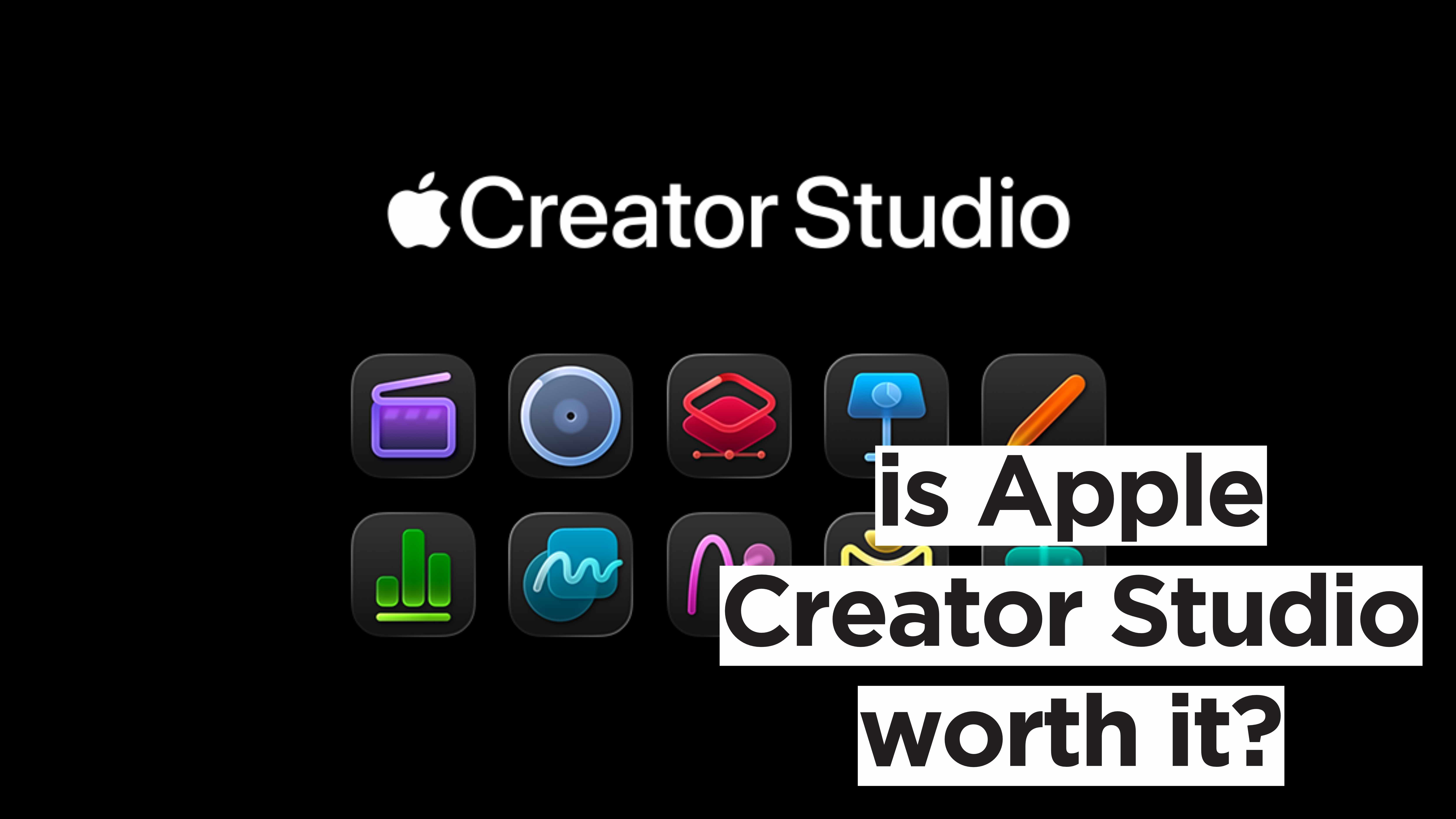
Announced in mid-January and releasing today, Apple Creator Studio is a subscription-based service that bundles together all of Apple’s creative apps on both Mac and iPad.
The release of this all-in-one creative service was a massively anticipated one: in recent years, Apple seems to have focused more on developing their hardware while, perhaps, leaving their software on the back burner. This release proves the tech giant’s commitment to creating a unified creator system.
But what does Apple Creator Studio entail? What’s included in the subscription? And, most importantly, is it worth the money? We have the answers here.
Who Is It For?
Before we dive into the features, specs, and prices, it’s worth asking who Apple Creator Studio’s target audience is.
Apple’s Creator Studio is, generally speaking, aimed at creators in the widest sense of the word: anyone, from designers to musicians, who have Apple’s device ecosystem and creative apps as part of their workflow.
Ultimately, this launch solidifies Apple's commitment to the creator market and their desire to build a comprehensive ecosystem where hardware and software go hand in hand.
Apps
The Apple Creator Studio subscription includes both Apple’s paid apps and the iWork suite, which comes free of charge with any Apple product.
Paid Apps
Mac and iPad
If you’ve been hoping to incorporate your iPad Pro into your workflow more regularly, your wishes have been granted. These apps are now accessible on both devices via Apple Creator Studio:
Final Cut Pro
For high-performance video editing, audio, motion graphics, and colour grading. Now powered by Apple Intelligence, it automatically reframes, colour grades, tracks movement, and finds visual movements in seconds.
Logic Pro
For music production and audio editing, from songwriting to remixing. It boasts a wide library of instruments, effects, and sounds from a broad range of genres and eras, as well as everything you need to make sick beats effortlessly. In the Creator Studio, it’s also integrated with Apple Intelligence for tasks like splitting tracks, mastering, detecting chords, and pitch correction. Lastly, the AI-powered Session Players riff off your suggestions to create polished synth, bass, keyboard and drum grooves that perfectly fit your song.
Pixelmator Pro
For graphic design, image editing, and everything in between. It features a wide array of tools for creative imagining: non-destructive editing, over 60 effects, ultra-precise colour adjustment and masking, RAW photos support, and easy video retouching. The built-in intelligence powers Super Resolution, effortless subject isolation, Auto Enhance, and Auto Crop. Graphic design also features layer editing, a templates and mockups gallery, customisable workspaces, and broad file support. Lastly, powerful vector graphics tools support type design and simplify workflows with pre-made shapes and support for vector file formats. All these features translate effortlessly from Mac to iPad, syncing seamlessly across devices.
Mac Only
Three apps exclusively for Mac are also included in the subscription:
Motion
A motion graphics tool integrated with Final Cut Pro.
Compressor
Integrates with both Motion and Final Cut Pro, adding custom output settings and extensive delivery features.
MainStage
Apple’s live performance software that turns a Mac into a powerful virtual instrument and effects rig.
AI Integrations and Premium Content for Free iWork Apps
With the Apple Creator studio, the iWork suite (Freeform, Keynote, Numbers, and Pages) is also getting a makeover. Each app will boast new AI integrations to streamline workflows and promote collaboration.
Freeform
Although not yet included and expected later this year, Freeform will gain access to Apple’s Content Hub for curated photos, illustrations, graphics, backgrounds and more, as well as advanced image creation and editing features like Super Resolution (which allows upscaling images while preserving details) and Auto Crop.
Keynote
Keynote will have access to the same Content Hub and advanced image editing features as Freeform. Its new AI integration will also analyse your entire presentation, generate editable notes for any slide, and automatically create slides from just an outline. Keynote will also automatically fix layout, typography, and alignment issues with a single tap or click. Lastly, it will provide access to a library of stunning, fully customisable templates.
Numbers
Numbers will also access the previously mentioned Content Hub, image editing features, and template library. The most exciting new feature is Magic Fill, which, based on recognised patterns in nearby data, will suggest content or generate formulas for empty cells.
Pages
Last but not least, Pages will also offer access to the Content Hub, advanced image-editing features, and the full templates and themes library.
Before you panic, this doesn’t mean that all ten of these apps will now be available only through the Creator Studio. All paid apps will remain available for one-time purchase and will continue to be updated regularly. The iWork suite, in its basic form, will remain free to all Apple device users; only the AI integrations, Content Hub, and template library will be paywalled.
New Features
As we have seen, the Apple Creator Studio supercharges the apps we know and love with powerful AI integrations. But that’s not all!
The subscription includes Family Sharing for up to six other users. You read that right: in a time where companies like Netflix crack down on password sharing, Apple makes a bold and competitive move that promises to slash subscription costs. Sharing is caring, after all.
The most exciting new feature, though, is the new iPad integrations — namely, Pixelmator Pro. Until today, iPad users could access only Pixelmator Standard, which, while a valid option for photo editing, offered only basic tools. By making Pixelmator Pro available on iPad, Apple is clearly trying to position the device as a primary work machine, rather than a secondary tool. With the new iPad Pro models featuring increasingly powerful chips (the same chips used in MacBooks), this move makes complete sense. The new iPad integrations also add cross-platform value available exclusively through the Apple Creator Studio subscription, which could be a strong incentive for some… but more on that later.
Pricing
… first, let’s talk money. How much will an Apple Creator Studio subscription set you back?
The price is, perhaps surprisingly, very reasonable. After a one-month free trial, regular folks will be charged £12.99 per month or £129 per year, while students and educators will only pay £2.99 per month or £29 per year.
In both cases, and especially for students and teachers, it’s a pretty good deal.
In addition, from 28th January, anyone who purchases a Mac or a selected iPad will have their free trial extended to three months.
The Subscription Problem
Apple has confirmed that the paid apps will continue to run outside the subscription and remain available for purchase. And, on top of that, Studio itself doesn’t cost an arm and a leg — it’s actually quite a steal for students and educators.
Still, we might have a problem.
In today’s world, we consumers are getting perhaps too used to not actually owning anything. Not the music we listen to, the movies we watch, not even the creative tools we need for our actual creative jobs. Many creatives, and rightfully so, are getting tired of the Adobe Creative Cloud of it all. It’s like if plumbers had to rent their toolboxes instead of buying the tools outright.
Pixelmator Pro for iPad is a good example of this. Yes, the Mac version is (for now) still available on the App Store for £49.99 (the same price as almost four months of Apple Creator Studio). This applies only to Mac, though. Outside the Studio, Pixelmator Pro is not available on iPad at all — the subscription-exclusive cross-platform value we mentioned earlier. And Pixelmator Pro isn’t the only software with limitations: when purchased outright, Logic and Final Cut will not include the new AI add-ons. This raises the question: Apple did say that the software purchased outright will continue to receive regular updates, but is it true?
The subscription model, on the other hand, forces Apple to continue strengthening and updating the software to maintain value; the downside is, those who purchased instead of subscribing risk being left behind.
Is It Worth It?
So, all things considered, is Apple Creator Studio worth the money (and the weight of yet another subscription)?
Like with most things in life, it depends.
Students and educators are set to gain the most value, with access to a suite of professional-grade software for less than the price of a latte.
For content creators, musicians, and designers already committed to Apple hardware and Pro apps, the Creator Studio would also be a strong investment. Excluding the most obvious downside (the subscription model), Pixelmator Pro and the other iPad integrations alone make the Creator Studio worth it. It’s about time the iPad Pro gets its time to shine!
Lastly, Apple Creator Studio could also be a smart move for Apple Pro apps novices. When purchased outright, the Pro apps don’t come cheap: Final Cut Pro is £299.99, Logic Pro is £199.99, and Pixelmator Pro, the most economical of the bunch, is £49.99. A videographer looking to try Final Cut might not have £300 to spare on software they may not like; Apple Creator Studio, on the other hand, offers a free trial and a pretty reasonable monthly fee. Why not subscribe for a few months, see how you feel, and then decide whether to continue your subscription or purchase the software?
All in all, the Apple Creator Studio conundrum is a tricky one: the subscription adds value, yes, but also majorly complicates buying decisions. It makes sense for some, but at the same time alienates the more subscription-averse among us.
For now, we say: if it adds value to and streamlines your workflow, it’s a good deal. And, if you decide, the apps are also still available for purchase.
And us? We’ll definitely be taking advantage of that free trial.